Plesk Obsidian (18.0.54) with Docker extension (1.6.1-265). Vaultwarden Server (vaultwarden/server) image:

Every day is a school day
Plesk Obsidian (18.0.54) with Docker extension (1.6.1-265). Vaultwarden Server (vaultwarden/server) image:
Log in to IONOS – you need three files:
.key).cer)_INTERMEDIATE.cer)If you don’t have the private key, Revoke Old Certificate, then Reissue Certificate – on Firefox this is a bit weird but it’ll download the key file but until you open it won’t complete the reissue.
In Plesk go to Websites & Domains > SSL/TLS Certificates > Advanced Settings > Add SSL/TLS Certificate.
Enter a certificate name:

Scroll to “Upload the certificate files”:
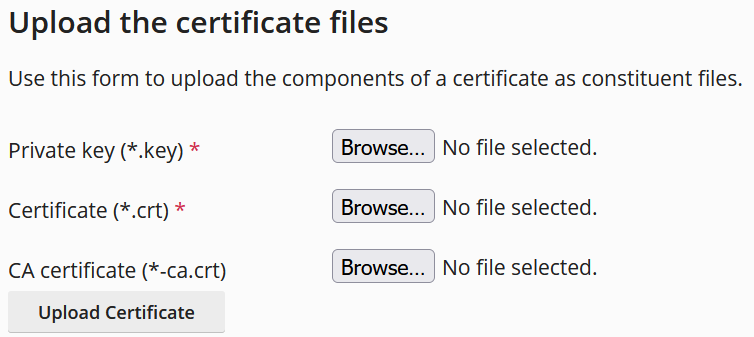
Browse each file (it doesn’t matter that they’re cer rather than crt), use _INTERMEDIATE.cer for the CA certificate, then click Upload Certificate.
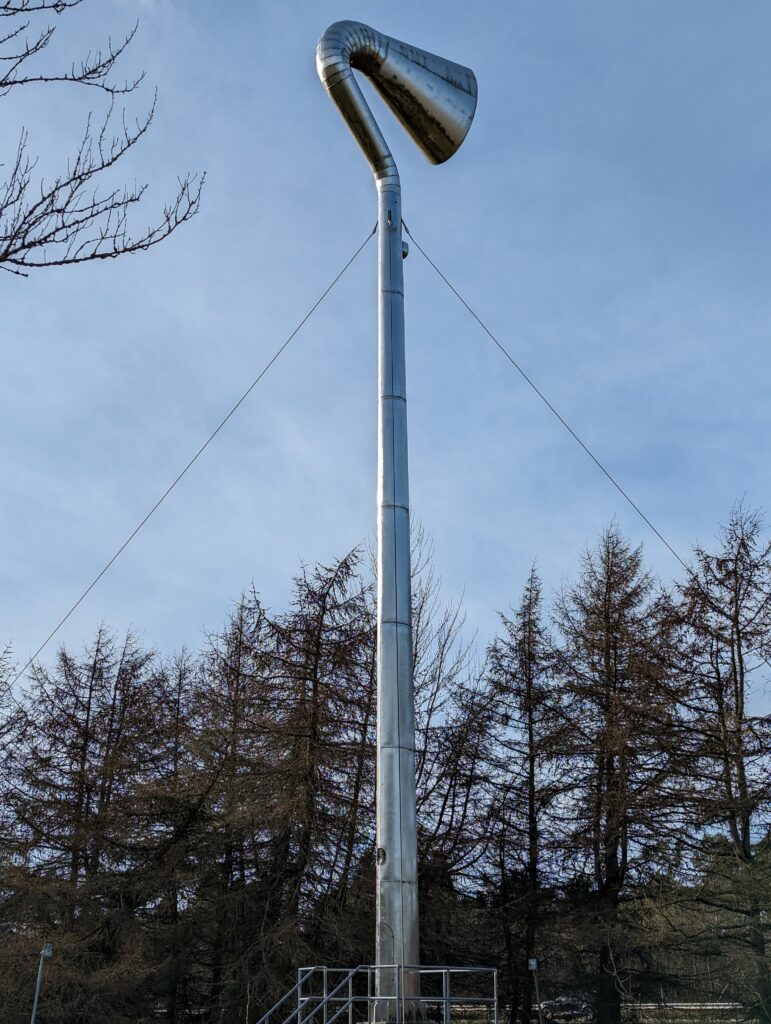
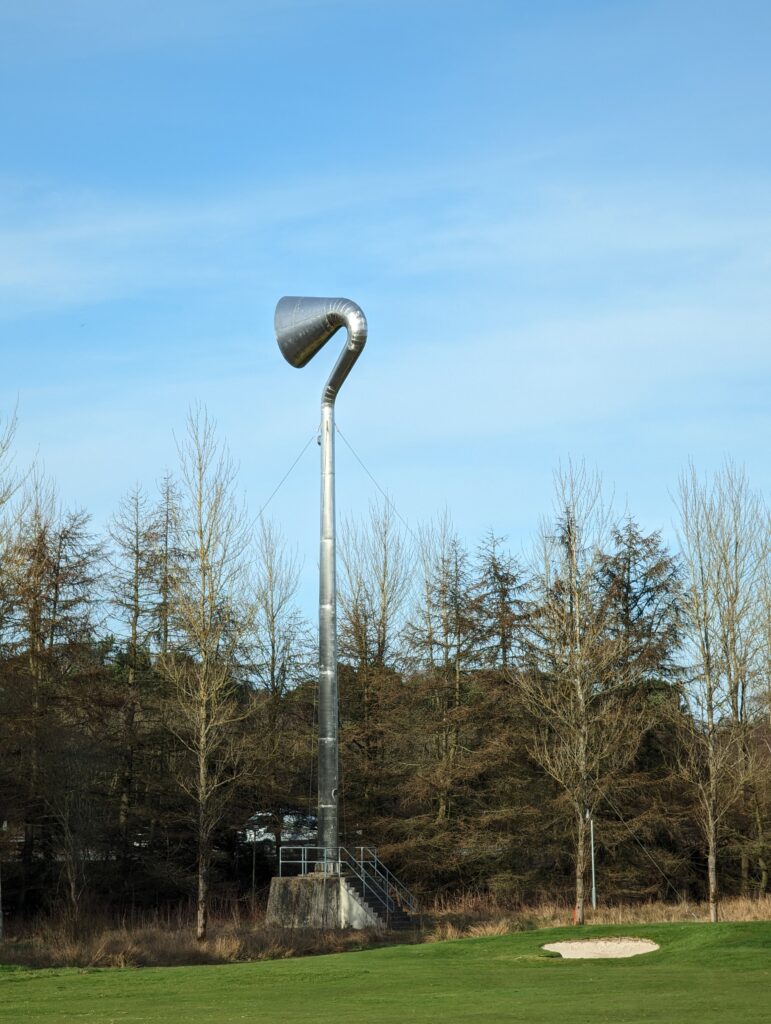
Overlooks M8 and periodically “speaks” although I’ve never made out what it says. Sculpted by Dalziel and Scullion and commissioned by West Lothian Council.